Non-Custodial Trading Explained: Why Cirrus Never Holds Your Funds or Password Credentials
Connecting your demat accounts to a tool should never mean giving up control. Here is what non-custodial trading means, how authorised tokens replace passwords, and what to check before you connect.

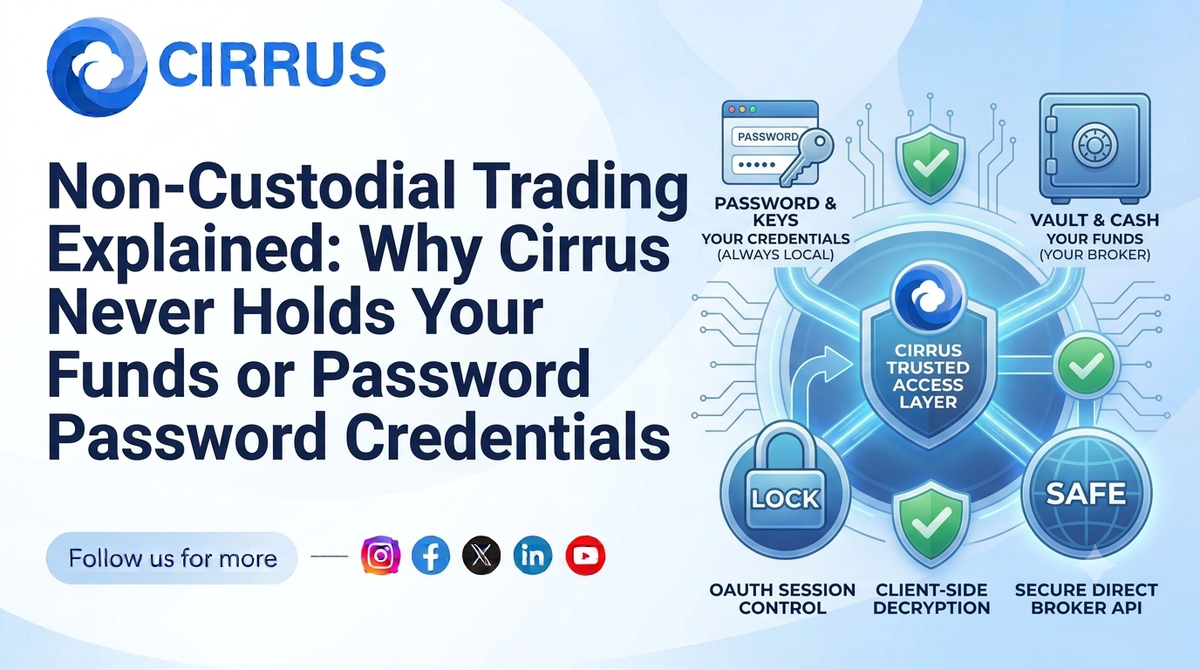
Connecting your demat accounts to a trading tool raises a fair question: who has access to my money and my login details?
The answer depends on whether a platform is custodial or non-custodial. This guide explains the difference in plain language, what it means for your funds and credentials, and what to check before you connect any account.
The Short Answer: What Does Non-Custodial Trading Mean?
In a non-custodial setup, your money and securities stay with your broker, in your own accounts. The execution tool only passes your order instructions to the broker through authorised access. It does not hold your funds, and it does not need your broker password to do its job.
Custodial vs Non-Custodial: The Core Difference
| Custodial | Non-Custodial | |
|---|---|---|
| Where your money sits | With the platform | With your broker, in your account |
| Who controls withdrawals | The platform | You, through your broker |
| Login credentials | Often shared with the platform | Not shared with the tool |
| What the tool does | Holds and moves assets | Sends order instructions only |
For Indian retail trading, client funds and securities are meant to stay within the regulated broker and market structure. A non-custodial tool fits that structure, because it sits on top of your broker instead of in the middle of your money.
How Authorised Access Works Without Sharing a Password
Instead of asking for your password, a compliant tool uses authorised API access from your broker:
- You log in on the broker’s own page. You enter your credentials with the broker, not inside the third party tool.
- The broker issues an access token. This token lets the tool place orders on your behalf within the permissions your broker allows.
- Tokens reset regularly. Sessions do not run indefinitely, and API sessions are logged out every day, so you authenticate again each trading day.
- You can revoke access. If you stop using a tool, you can end the connection from your broker side.
Under SEBI’s retail algo framework, API access also runs through client specific keys and a whitelisted static IP, and the broker remains responsible for orders sent in your name.
What a Tool Should and Should Not Be Able to Do
A non-custodial execution tool should be able to place and manage orders in the permitted segments, and show positions and fills. It should not be able to withdraw your funds, transfer securities out of your account, or change your bank details.
How Cirrus Approaches It
Cirrus is a cloud-based execution terminal that connects to your brokers through authorised tokens. Here is what it covers:
- Native Static IP Binding: Orders go through whitelisted static IP architecture on the cloud, so you do not manage servers or IP setup.
- Single Signal, Multi-Account Fills: One trigger, from the terminal or a TradingView or Chartink webhook, reaches every linked account in parallel.
- Smart Lot Multipliers: Quantities scale per account using ratios you set in advance.
Your funds remain in your broker accounts throughout.
Frequently Asked Questions (FAQs)
1. Does Cirrus hold my money?
No. Your funds and securities stay with your broker in your own account. Cirrus passes order instructions to your broker.
2. Do I have to share my broker password with Cirrus?
No. You log in on your broker’s own page, and the broker issues an authorised token that the platform uses to send orders.
3. Can a connected tool withdraw my funds?
A non-custodial order tool should not have withdrawal permissions. Always check the permissions you approve when you connect an account.
4. How do I disconnect a tool?
Revoke the connection from your broker’s API or app settings, and stop using the tool. Check your broker’s help pages for the exact steps.
5. Do I need coding skills or my own server?
No. Cirrus is a cloud-based web terminal, and static IP routing, token handling, and broker connections run on secure cloud servers.
At a Glance: Key Takeaways
| Metric / Dimension | Custodial Platform | Non-Custodial Cirrus |
|---|---|---|
| Where Funds Sit | With the platform | With your broker |
| Broker Password | May be shared | Not shared with the tool |
| Access Method | Credentials | Authorised broker token |
| Session Length | Varies | Resets daily |
| Your Control | Limited | Retained through your broker |
| IP Compliance | Varies | Whitelisted static IPv4 routing |
What It Means for Your Peace of Mind
Convenience should never cost you control. Before connecting any account to a tool, ask three questions: where does my money sit, how does the tool log in, and how do I switch it off?
The Bottom Line: With non-custodial trading, your funds stay with your broker and the tool only sends orders. Check permissions, use authorised tokens, and keep control of your accounts.
Want to automate execution while your funds stay in your own accounts? Explore how Cirrus automates multi-broker execution across major Indian brokers with built-in static IP routing.
Key Facts at a Glance for Quick Reference
| Question | Answer |
|---|---|
| Where do my funds stay? | With my broker, in my account |
| Is my broker password shared? | No, access uses an authorised token |
| How long does a session last? | Until the daily logout |
| Can I revoke access? | Yes, through my broker |
| Should a tool withdraw funds? | No |
| Who is it for? | Anyone connecting demat accounts to an execution tool |
Disclaimer: Investments in securities markets are subject to market risks. Read all related documents carefully before investing. This article is for general information only and is not investment advice. Security features and permissions depend on your broker and the tool you use. KuberHunt and Cirrus do not guarantee any outcome from automated execution. Please review the permissions you grant and verify current broker and regulatory requirements before connecting any account.