Skip to content

17:30 IST · Blog

Cirrus blog

Algo trading, options and market structure for Indian traders, from the Cirrus team.

  • Candlestick Charts for Beginners

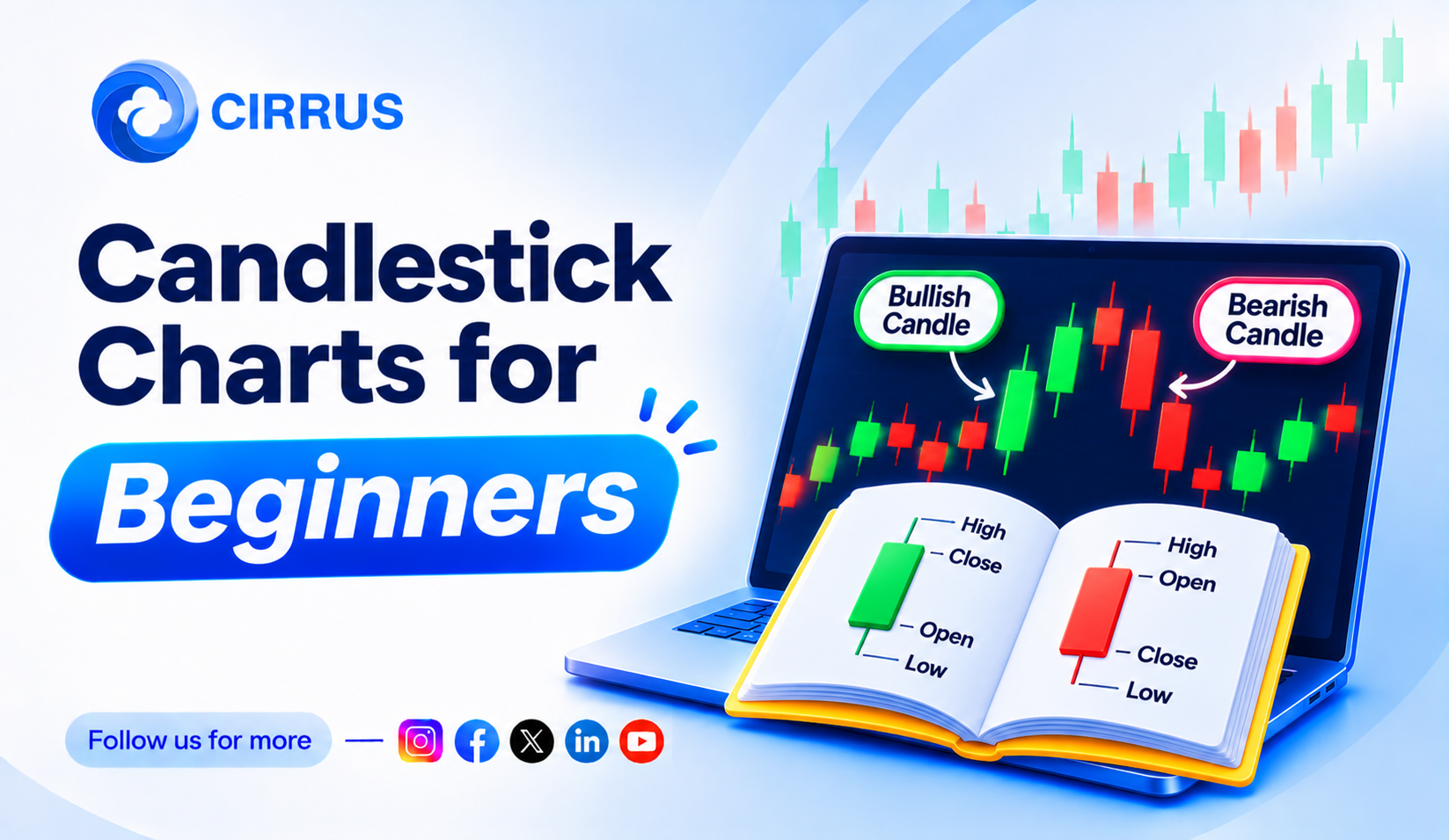
    One candle, four prices Every candle shows four prices for a period, like a day: Open, High, Low and Close (OHLC). Parts of a candle * Body: the thick part, between open and close. * Wicks (shadows): thin lines above and below. They show the high and low. Colours * Green (bullish): the price closed higher than it opened. * Red (bearish): the price closed lower than it opened. A long body means buyers or sellers were strong. A long wick means the price went far, then came back. 4 simple

  • Common Broker Login Errors and How to Fix Them

    Most connection problems come from a handful of causes. Here is a checklist, by symptom. “My orders stopped working today” Broker sessions end each trading day, so you must sign in again every day on the broker’s own page. This is the most common cause. “Orders are rejected for the whole account” Your broker accepts API orders only from the IP you whitelisted. Check that: * You pasted the address Cirrus shows for that account. * You did not whitelist your home or office IP. Orders leave

  • Webhook Alerts Not Working? Quick Fixes for TradingView Users

    The alert fired on TradingView, but nothing happened at your broker. Work through these checks in order. Most problems are in the first few. 1. Is the alert actually sending? Webhook alerts need a paid TradingView plan, and TradingView asks for two-factor authentication on your account before it will send webhooks. Check both. 2. Is the message valid? The message must be exactly the two-field JSON, with straight quotation marks: {"type": "entry", "secret": "your-secret-here"} Smart quote

  • Set Stop-Loss and Target Automatically on Every Alert

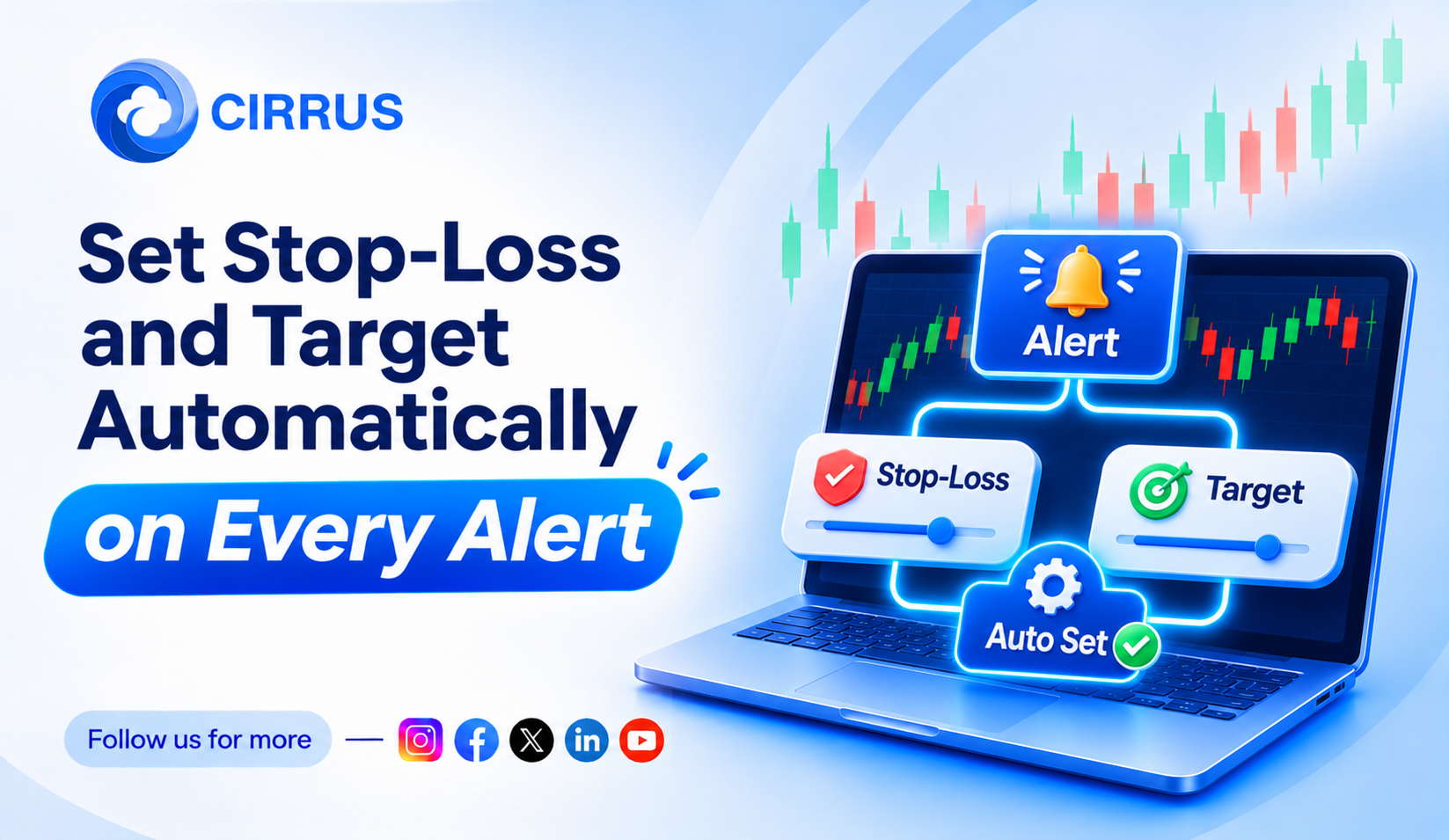
    An alert that places an entry but no exit leaves the hardest part to you, usually at the worst moment. With Cirrus you set the exit when you set the entry. TradingView strategies For each leg of a TradingView strategy, you set a target, stop-loss and trailing stop in percentage or points. The alert message only says entry or exit and carries your secret, so the exit rules live in Cirrus and apply every time the alert fires. Learn the alert setup in our post from 19 November. Chartink strate

  • Why Most New Traders Quit in the First Year

    Most people who start trading do not stay. The numbers explain why. What SEBI’s data shows SEBI’s studies on individual traders in equity derivatives report that nearly nine in ten lose money. Around 91% of individual F&O traders lost money in FY25, and the FY25–FY26 study reports roughly 87.7% for FY26. Participation is falling too: reporting on the FY26 study says active individual traders dropped from about 106 lakh to about 87.5 lakh, and new entrants fell from about 34 lakh to about 21 l

  • Can You Run Algo Trading Without a Licence? Common Myths

    General information, not legal advice. Check your broker’s current notices. Algo trading rules confuse a lot of people. Here are six myths. Myth 1: “I need a SEBI licence to run my own algo.” Mostly no. SEBI’s retail framework lets you trade through your broker’s API. Below 10 orders per second per exchange, you do not register your strategy as an algo. Above that rate, it must be registered with the exchange through your broker. Myth 2: “Any API setup works now, as long as it is mine.” N

  • How to Connect Dhan, Upstox or Fyers to Cirrus

    Dhan, Upstox and Fyers are all IPv6 brokers on Cirrus, so the static IP is included at ₹0. Each costs ₹499 per account a month (₹1,349 a quarter, ₹4,799 a year, GST included). The setup differs a little for each. Dhan: sign in with the broker Dhan uses a consent login, so there is no API key to paste. 1. In Cirrus, open Manager, choose Add broker and pick Dhan. 2. Approve the consent request on Dhan’s own login page. Dhan lets Cirrus trade for you without seeing your password. 3. Dhan sen

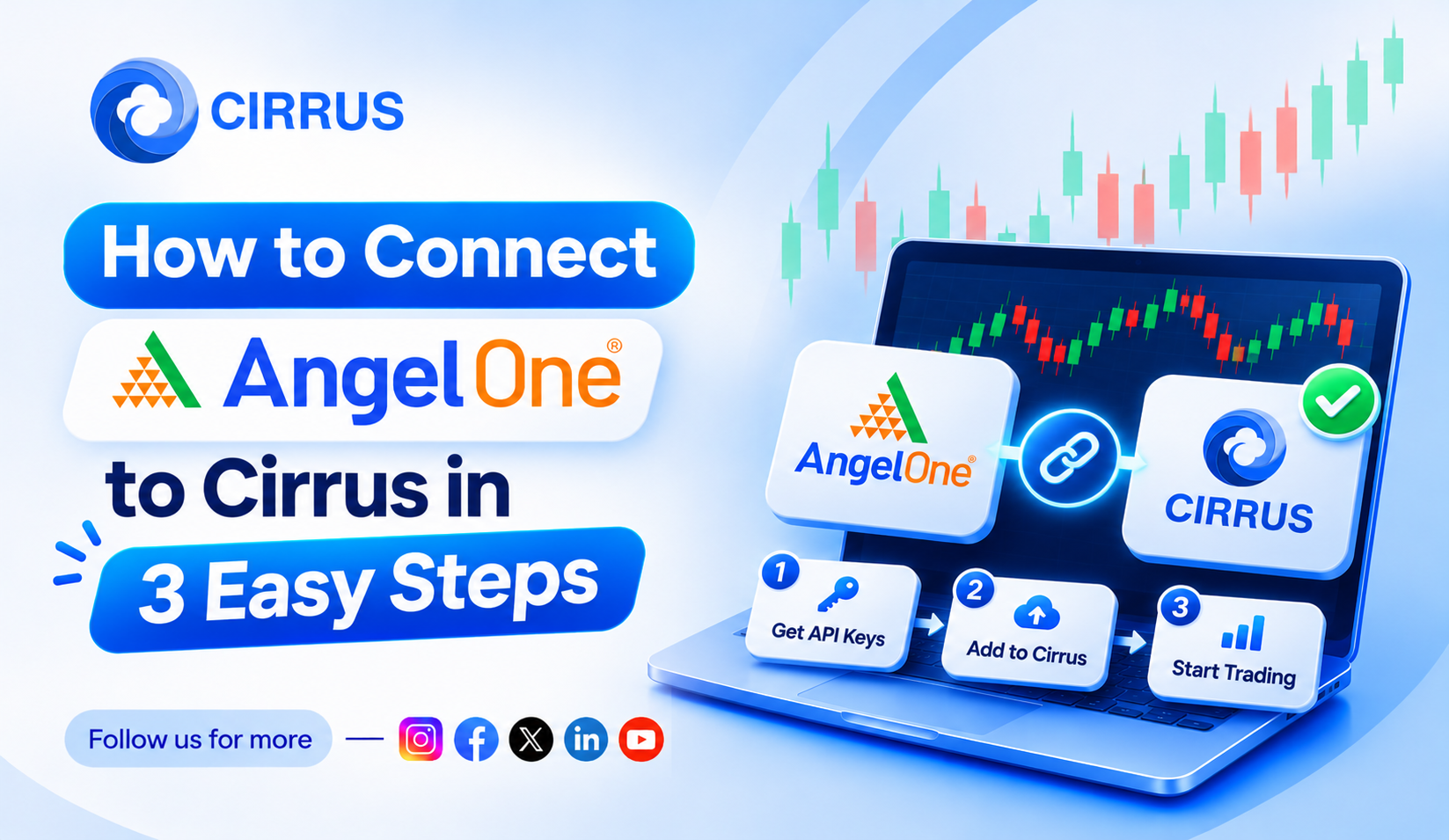
  • How to Connect Angel One to Cirrus in 3 Easy Steps

    Cirrus places orders on Angel One through SmartAPI, Angel One’s official API. You need one SmartAPI app per Angel One client ID. Step 1: Create your SmartAPI app Log in to smartapi.angelone.in as the Angel One client ID you want to trade, and create a SmartAPI app. It is free. You will need its API key in a moment. Step 2: Add the account in Cirrus and whitelist the IP 1. In Cirrus, open Manager, choose Add broker and pick Angel One. 2. Assign a static IP to the account. Angel One is an

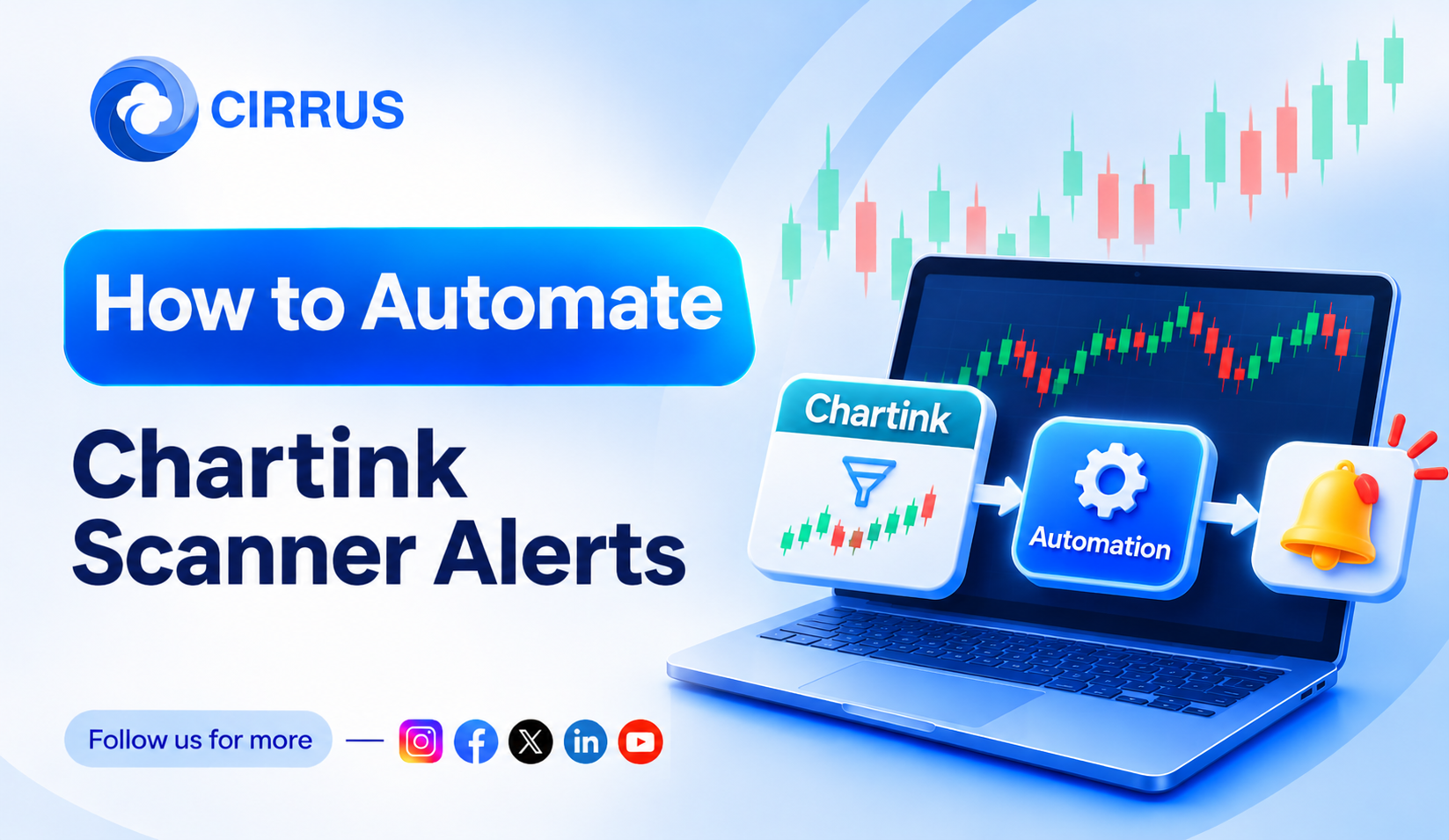
  • How to Automate Chartink Scanner Alerts

    A Chartink scan finds stocks that match your conditions. Acting on each hit by hand is slow, and by the time you place the order the price has moved. Here is how to automate it with Cirrus. How it works Cirrus gives you a webhook URL. You add it to your Chartink scan alert. When the scan triggers, Chartink sends the matching stocks and their trigger prices, and Cirrus places an order for each stock in the accounts you chose. Set it up 1. Connect your broker accounts and whitelist each acc

  • Revenge Trading: Why You Want to Win Back Losses Fast

    You take a loss. It stings. Within minutes you are in another trade, bigger than the last, “to get it back”. That is revenge trading, and almost every active trader has done it. Why the urge is so strong A loss feels worse than an equal gain feels good, so the brain wants to undo it quickly. Quick, bigger, angry trades are rarely planned ones. In derivatives, where a position can swing in minutes, one emotional trade can cost more than the trade you were trying to recover. The pattern is com

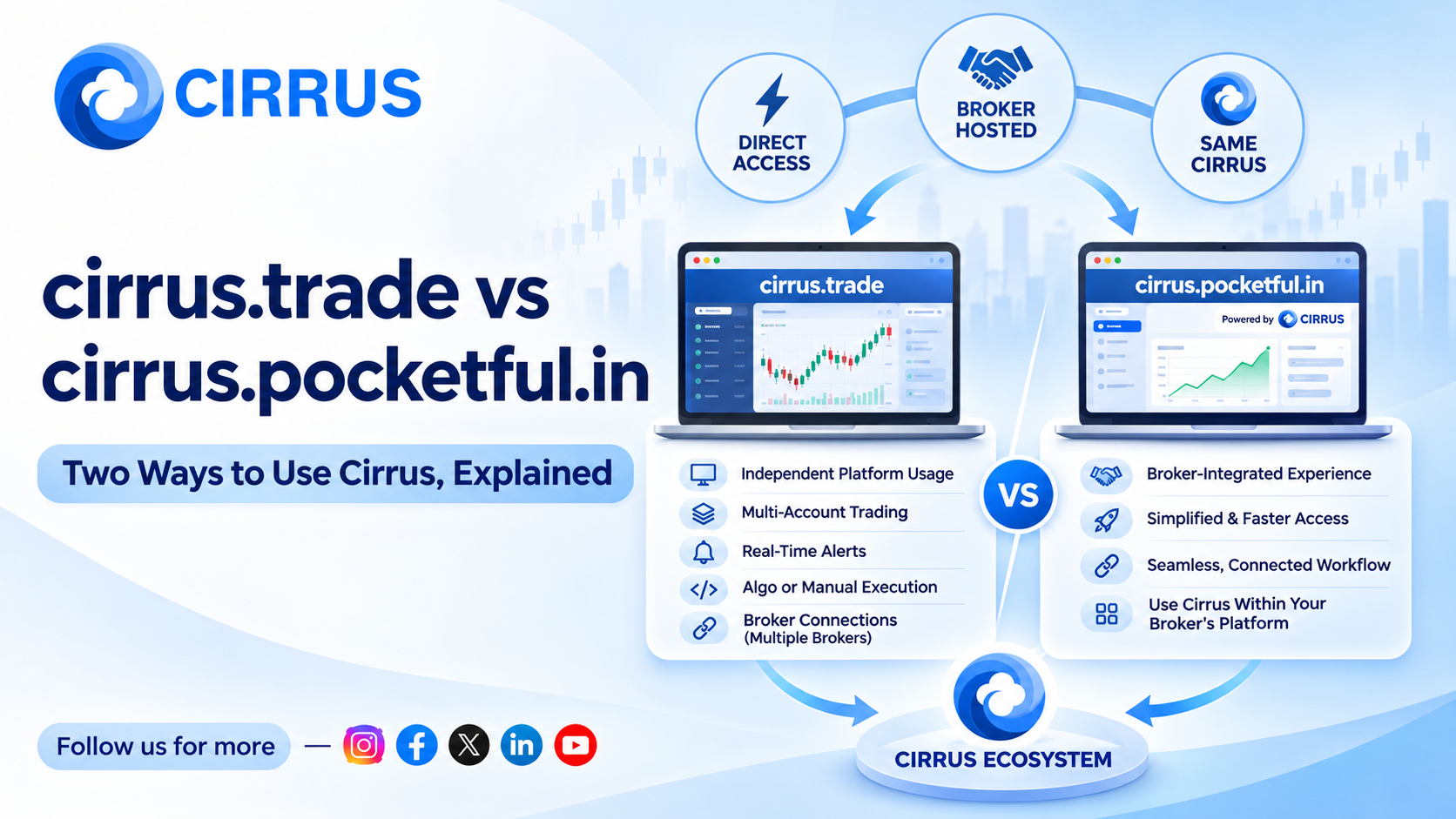
  • cirrus.trade vs cirrus.pocketful.in: Two Ways to Use Cirrus, Explained

    Cirrus can be used in two different ways. They look similar, but they are not the same. This blog explains the difference, so you know which one you are using. The key difference, in one line cirrus.trade is an open platform that works with many brokers, with a static IP for each account. cirrus.pocketful.in is a broker-specific deployment built for Pocketful users. Three names to keep apart 1. Quartgen Solutions Private Limited This is the company behind Cirrus. It is a provisionally empane

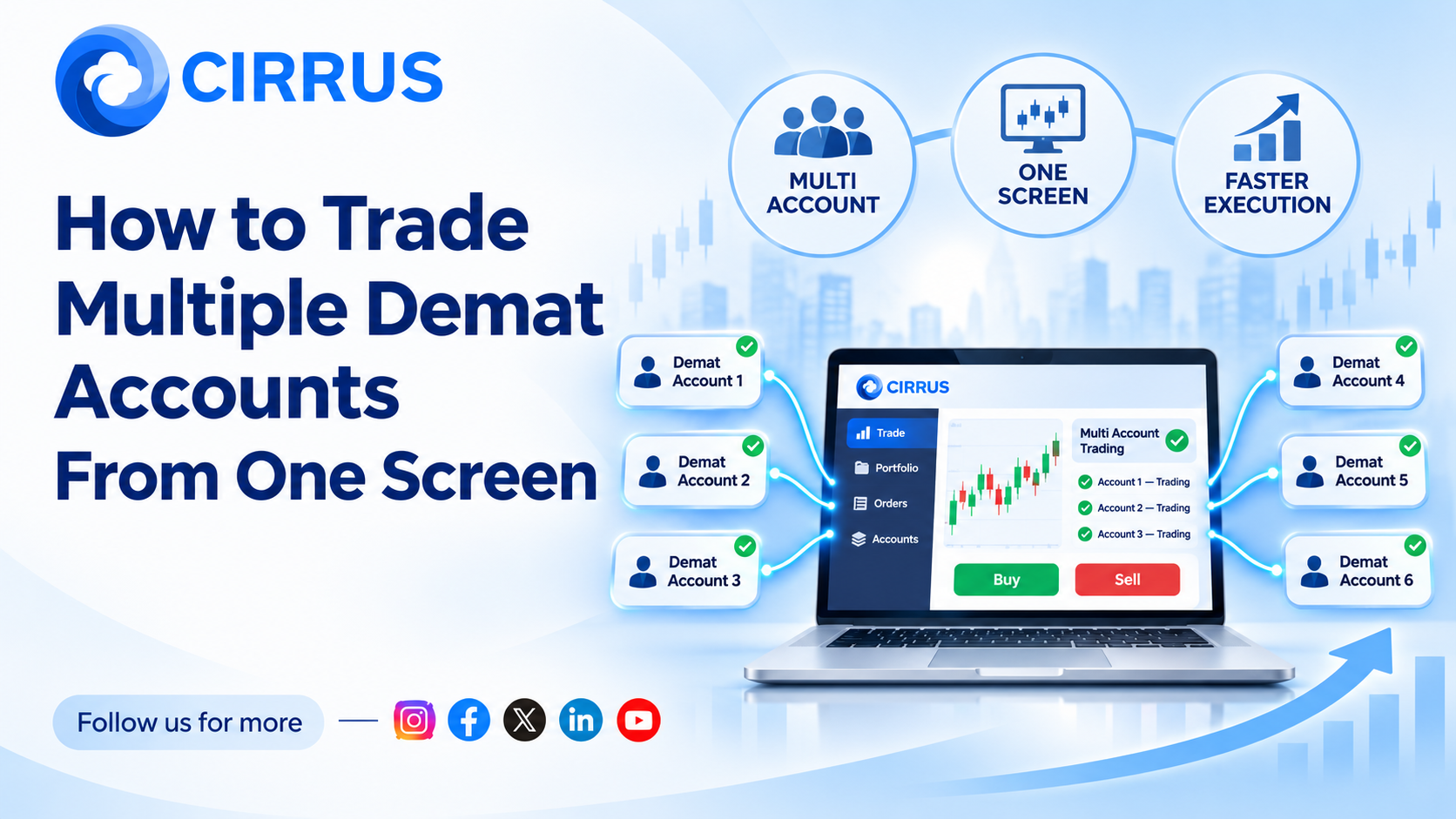
  • How to Trade Multiple Demat Accounts From One Screen

    Many Indian traders run more than one demat account: their own, a spouse’s, parents’ and an HUF’s, often at different brokers. Checking and trading each in its own app is slow. Here is how one screen replaces them. Step 1: Connect each account once Link every account from any of the 15+supported brokers through its official login. Each account gets its own static IP, which you whitelist once at the broker, as SEBI’s API rules require. Step 2: Save your groups Name a group such as “Family”

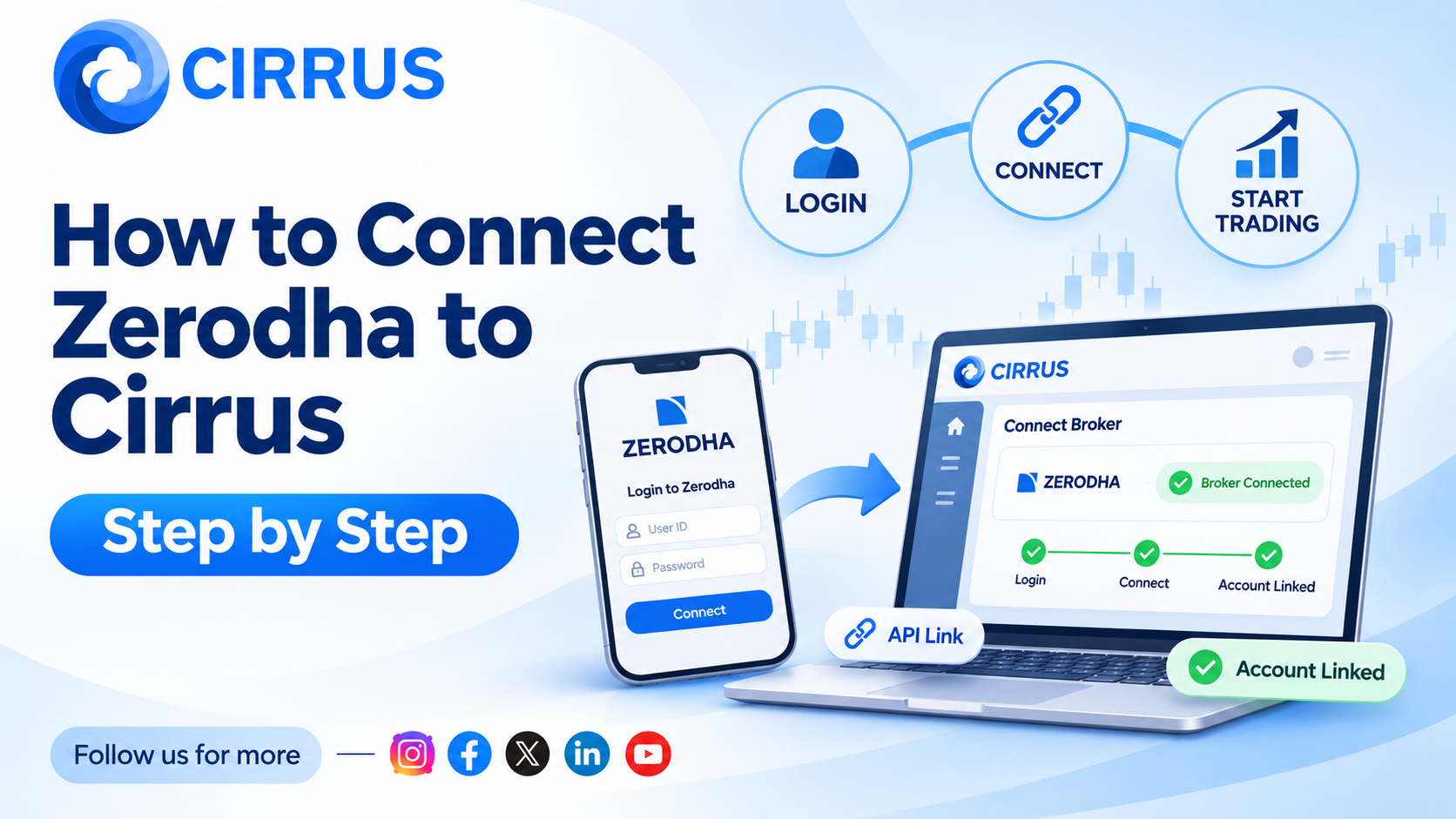
  • How to Connect Zerodha to Cirrus: Step by Step

    Cirrus places orders on Zerodha through Kite Connect, Zerodha’s official API. You create a Kite Connect app once for each Zerodha client ID, and Cirrus does the rest. Before you start: Kite Connect is the only way Zerodha lets another platform place orders. Any fee Zerodha charges for it is billed by Zerodha, separate from Cirrus. Part 1: Connect the account 1. Create a Kite Connect app on developers.kite.trade for the client ID you want to trade. 2. In Cirrus, open Manager, choose Add bro

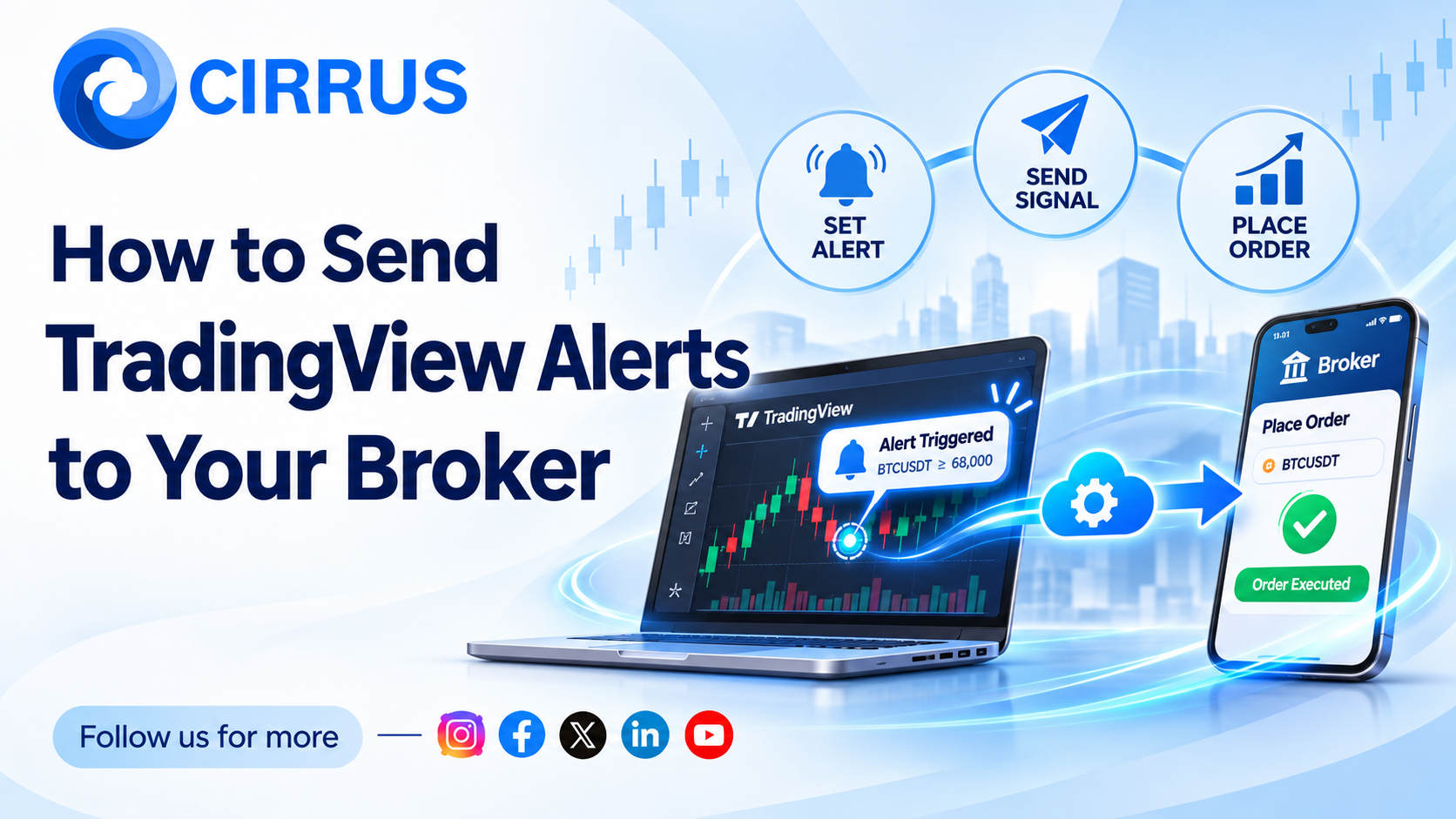
  • How to Send TradingView Alerts to Your Broker

    You have a TradingView strategy or alert you trust. The goal: when it fires, an order reaches your broker without you touching anything. Here is the path with Cirrus. You need: a paid TradingView plan (webhook alerts are not on the free plan), a broker account at one of the 14 supported brokers, and a Cirrus account. Step 1: Connect your broker In Cirrus, open Manager, choose Add broker and sign in through your broker’s official login. Whitelist the static IP Cirrus gives that account in you