How to Automate Chartink Scanner Alerts

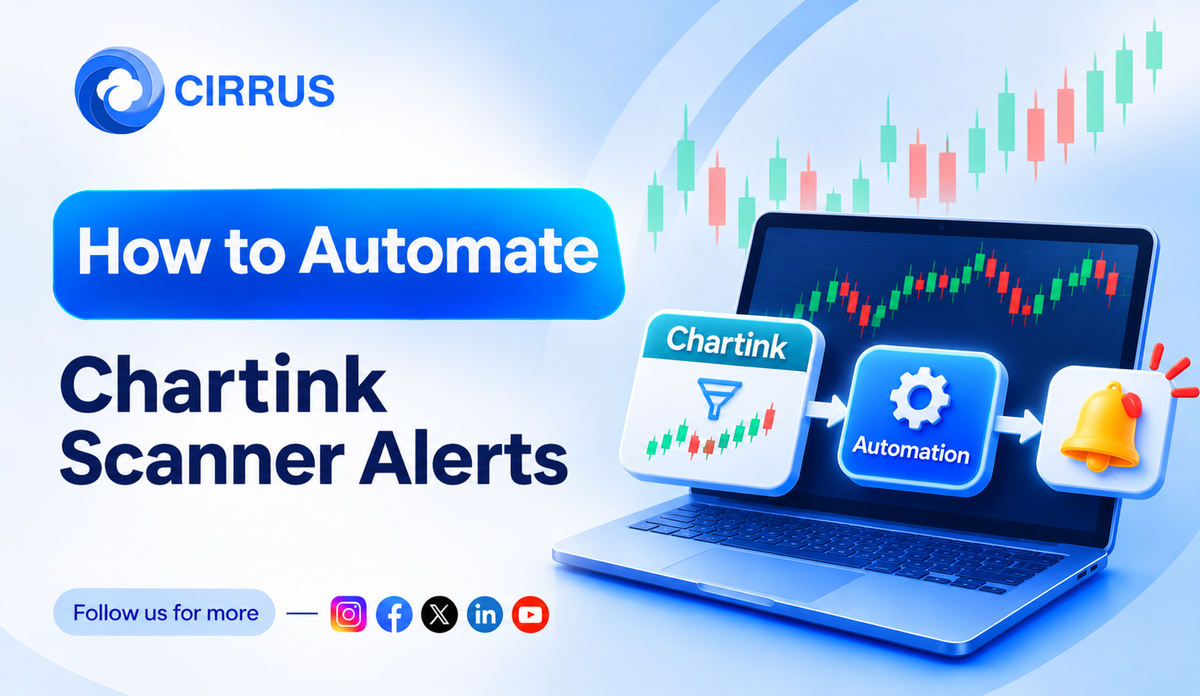
A Chartink scan finds stocks that match your conditions. Acting on each hit by hand is slow, and by the time you place the order the price has moved. Here is how to automate it with Cirrus.
How it works
Cirrus gives you a webhook URL. You add it to your Chartink scan alert. When the scan triggers, Chartink sends the matching stocks and their trigger prices, and Cirrus places an order for each stock in the accounts you chose.
Set it up
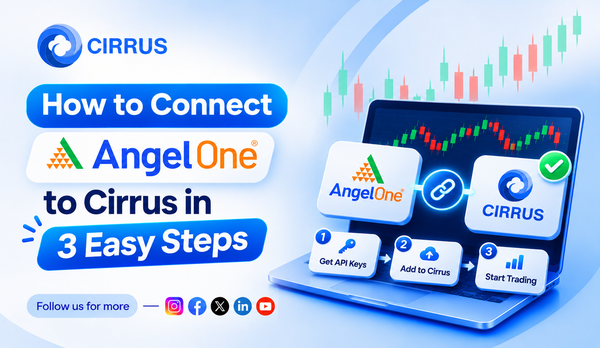
- Connect your broker accounts and whitelist each account’s static IP.
- Create a Chartink strategy in Cirrus. Choose buy or sell, the product (intraday, carryforward or MTF), and the size in lots or by amount.
- Set a buffer on the entry limit price so it still fills if the price moves.
- Attach exits. Target, stop-loss and trailing rules go on at entry.
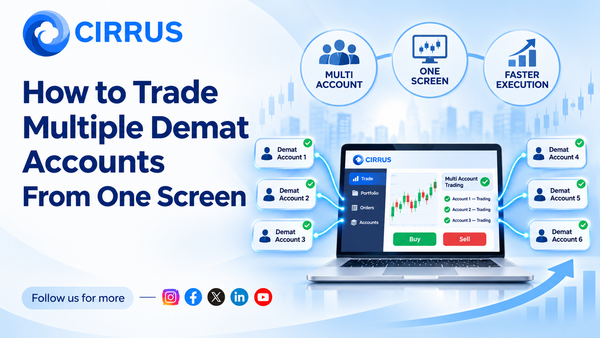
- Pick the accounts and, if you want different sizes, switch on the multiplier.
- Paste the webhook URL into your Chartink scan alert. Check that your Chartink plan allows webhook alerts.
Test before real money
- Forward test runs the strategy on live alerts without placing orders.
- Test run shows the exact orders a sample alert would place.
- The delivery log records each alert with the scan, the stocks, their prices and which stocks were valid to trade.
Think about size
Because Cirrus orders every stock the scan returns, a broad scan on a volatile day can send many orders at once. Before going live, decide how much each stock gets and how many hits your capital can carry. Cirrus does not skip margin checks: each broker checks margin as usual, and an account that cannot carry its size has its order rejected while the others continue.
Keep the URL private
Every request must carry your strategy’s secret or it is refused. You can rotate or revoke the URL at any time, and each URL accepts at most 10 requests a second.
Read more on Cirrus signals.
At a glance
- Add your Cirrus webhook URL to a Chartink scan alert.
- Cirrus places an order for each stock the scan returns, in the accounts you chose.
- Choose intraday, carryforward or MTF, size in lots or amount, and exits set at entry.
- Test with a forward test or test run; the delivery log records every alert.
- A broad scan can send many orders, so size for the worst case.
FAQ
How does Chartink auto trading work?
When the scan triggers, Chartink sends the matching stocks and trigger prices, and Cirrus places an order for each in your selected accounts.
Can I test before using real money?
Yes. Forward test runs on live alerts without placing orders, and a test run shows what a sample alert would place.
What stops others using my webhook URL?
Requests need your strategy’s secret or they are refused. You can rotate or revoke the URL, and each URL accepts at most 10 requests a second.
Disclaimer: Investments in securities markets are subject to market risks. Read all related documents carefully before investing. This article is for general information only and is not investment advice. Market timings may change, so please check the latest exchange circulars. Cirrus does not guarantee any outcome from automated execution.