Expiry Day Survival Guide: Placing Orders When Premiums Move in Seconds
Expiry day premiums can change in seconds. Here is a simple plan to place orders calmly, with fixed size, limit orders and one trigger across accounts.

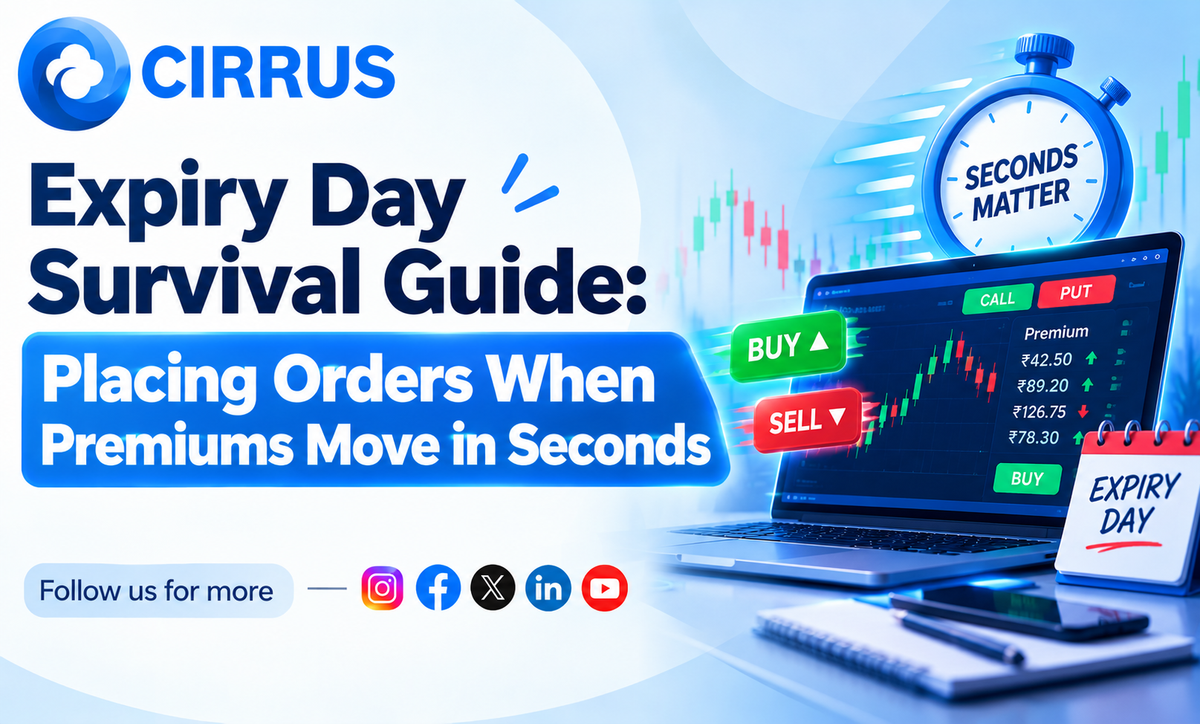
On expiry day, an option premium can double or drop to near zero in a few seconds. If you trade a few accounts by hand, those seconds add up fast.
Expiry day is not about being quick. It is about being ready.
The Short Answer: Why Is Expiry Day So Hard on Orders?
Premiums move fast, spreads widen, and fewer buyers and sellers are around at some strikes. A plan made before the open, with small size and limit orders, protects you better than fast fingers.
Why Expiry Day Feels Stressful
- Fast premiums: The price you saw is gone by the time you click.
- Wide spreads: The gap between buy and sell price can be large.
- Uneven fills: Typing the same order in many accounts means each one fills at a different price.
- Rejections: Margin, quantity limits or a lost connection can stop an order.
A Calmer Expiry Day Routine
- Log in early. Check every broker connection before the open.
- Fix your size first. Decide quantity and loss limit before the market moves.
- Use limit orders. Add a small buffer so the order fills but not at a wild price.
- Skip the first few minutes. Early prices swing the most.
- Check margin. Expiry day margin needs can be higher.
- Write your exit. Decide where you will exit before you enter.
What Not to Do
- Do not chase a sudden spike.
- Do not use market orders in thin strikes.
- Do not change your plan in the middle of a fast move.
How Cirrus Fits Into the Picture
Cirrus cannot slow the market down. It helps you act in a calmer, more even way.
- Cloud Based Terminal: One web terminal for your linked brokers, with no server to manage.
- Native Static IP Binding: Orders go through whitelisted static IP architecture, so IP checks are handled in the background.
- Single Signal, Multi-Account Fills: One trigger reaches all linked accounts together, instead of typing the order again and again.
Frequently Asked Questions (FAQs)
1. Should I trade on expiry day at all? That is your choice. If you do, keep size small and follow a written plan.
2. Are limit orders better than market orders on expiry day? They give you price control. The risk is that the order may not fill.
3. Why do my accounts get different prices? Orders placed at different seconds meet different prices.
4. Can a tool guarantee a good fill? No. No tool can promise a price.
At a Glance: Key Takeaways
What It Means for Your Expiry Days
You cannot control the market. You can control your size, your order type and your preparation.
The Bottom Line: Plan before the open, use limit orders, keep size small, and avoid chasing.
Want all your broker connections in one place? Explore how Cirrus automates multi-broker execution across major Indian brokers with built-in static IP routing at cirrus.trade.
Key Facts at a Glance for Quick Reference
Disclaimer: Investments in securities markets are subject to market risks. Read all related documents carefully before investing. This article is for general information only and is not investment advice. Rules and margins may change, so please verify current details with your broker. Cirrus does not guarantee any outcome from automated execution.