Freeze Quantity Explained: Placing Big Orders Without Rejections
Large F&O orders get rejected when they cross the exchange's freeze quantity. Here is what the limit means and how to place big orders without rejections.

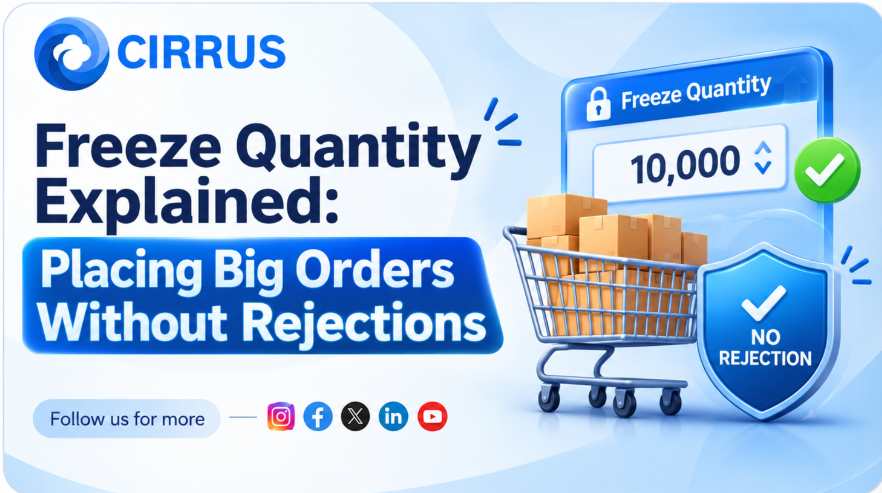
You enter a large options order, press confirm, and see a rejection message about freeze quantity. Your funds are fine, your contract is valid, and still the order failed.
Freeze quantity is one of the most common reasons large F&O orders get rejected, and it is easy to handle once you understand it.
The Short Answer: What Is Freeze Quantity?
It is the maximum quantity the exchange allows in a single order. If your order is larger, the exchange rejects it. It is not accepted in part. You must reduce the quantity or split the order into several valid orders.
How It Works
- Per order limit: The cap applies to each order, not to your total position.
- Whole lots: Derivative orders must be in complete lots and within the cap.
- Applies broadly: It covers index and stock derivatives.
- Rejected, not trimmed: An order above the limit is rejected, not partly accepted.
- Limits change: NSE has revised freeze limits for several index contracts with effect from September 1, 2026, so check the current figures on the exchange website.
How Traders Handle Large Orders
- Check the current limit on the NSE website for your contract.
- Split manually into several orders, each within the limit.
- Use broker slicing: Many brokers offer automatic order slicing, which breaks a large order into allowed parts.
- Use iceberg orders where available. They send the quantity in sequence instead of showing it all at once.
Slicing has side effects. More orders can mean more executions and, at some brokers, more brokerage. Orders also count toward rate limits.
Why It Is Trickier Across Accounts
- Each account may exceed the limit at different quantities because of lot multipliers.
- Different brokers handle slicing differently, and some do not offer it through the API.
- Fills can differ when large orders are sliced and executed in pieces.
How Cirrus Fits Into the Picture
- Smart Lot Multipliers: Quantities are set per account in advance, so you can see which accounts will need splitting.
- Single Signal, Multi-Account Fills: One trigger reaches every linked account in parallel.
- Native Static IP Binding: Orders go through whitelisted static IP architecture on the cloud.
Frequently Asked Questions (FAQs)
1. Why was my order rejected for freeze quantity? The quantity in a single order was above the exchange limit. Reduce it or split it.
2. Does freeze quantity limit my total position? No. It limits each order, not the position you can build across several orders.
3. Where do I find the current limit? On the NSE website, under the freeze quantity data for your contract.
4. Is order slicing free? Not always. Brokerage may apply to each executed slice, so check your broker's charges.
At a Glance: Key Takeaways
What It Means for Large Orders
Freeze quantity is a safety rule against very large or mistaken orders. It is a limit to plan around, not a sign that something is wrong with your account.
The Bottom Line: Know the current limit, plan your splits in advance, and check how each broker handles slicing before you place a big order.
Want quantities planned per account in advance? Explore how Cirrus automates multi-broker execution across major Indian brokers with built-in static IP routing at cirrus.trade.
Key Facts at a Glance for Quick Reference
Disclaimer: Investments in securities markets are subject to market risks. Read all related documents carefully before investing. Freeze limits are set by the exchanges and change from time to time, so please check the latest figures before trading. This article is for general information only and is not investment advice. Cirrus do not guarantee any outcome from automated execution.