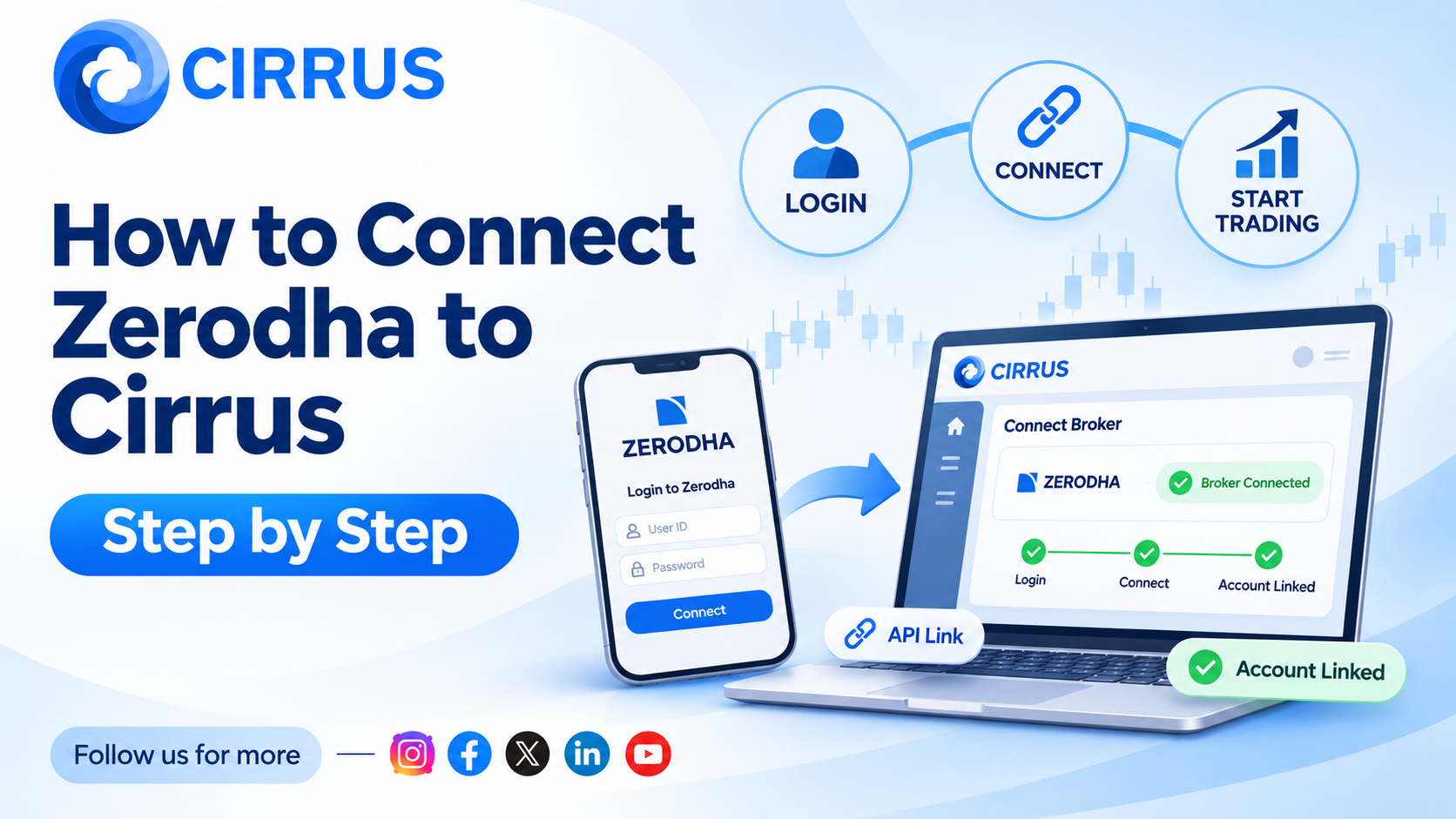
Cirrus places orders on Zerodha through Kite Connect, Zerodha’s official API. You create a Kite Connect app once for each Zerodha client ID, and Cirrus does the rest.
Before you start: Kite Connect is the only way Zerodha lets another platform place orders. Any fee Zerodha charges for it is billed by Zerodha, separate from Cirrus.
Part 1: Connect the account
- Create a Kite Connect app on developers.kite.trade for the client ID you want to trade.
- In Cirrus, open Manager, choose Add broker and pick Zerodha. Copy the redirect URL (and the postback URL, if shown) into your Kite Connect app.
- Enter your client ID, an account label, and the app’s API key and API secret.
- Log in with Kite to start the session.
Part 2: Whitelist the static IP
- In Manager, assign a static IP to the Zerodha account. Cirrus gives it a dedicated IPv6 address that no one else uses.
- Copy the address shown.
- Paste it into the IP whitelist field of your Kite Connect app and save.
- Finish setup in Cirrus. Every order for this account now leaves from that address.
Common slips
- Whitelisting your home or office IP. Orders leave from the Cirrus address, not your computer.
- Sharing one Kite Connect app across accounts. Use a separate app for each Zerodha client ID so each keeps its own key, secret and IP.
- Forgetting the daily login. Zerodha ends the previous session each trading day, so sign in again.
What it costs
Zerodha accepts IPv6, so the static IP is included. That is ₹499 per account a month, or ₹1,349 a quarter, including GST. Two Zerodha accounts means two Kite Connect apps, two static IPs and two account fees.
What you can do next
Place one order to every Zerodha account and to your other brokers in the same click, size each account with the multiplier, and attach a stop-loss and target. See the Zerodha page for the full details.
At a glance
- Zerodha connects through Kite Connect; create one app per client ID.
- Zerodha is an IPv6 broker, so the static IP costs ₹0.
- Price: ₹499 per account a month or ₹1,349 a quarter, including GST.
- Whitelist the address Cirrus shows, not your home IP.
- Sign in again each trading day.
FAQ
Do I need Kite Connect?
Yes. It is the only way Zerodha lets another platform place orders. Any fee is billed by Zerodha.
Which IP do I whitelist?
The IPv6 address Cirrus shows for that account in Manager.
Can I trade my family’s Zerodha accounts together?
Yes. Add each account with its own Kite Connect app and static IP, then place one order to all of them.
Disclaimer: Investments in securities markets are subject to market risks. Read all related documents carefully before investing. This article is for general information only and is not investment advice. Market timings may change, so please check the latest exchange circulars. Cirrus does not guarantee any outcome from automated execution.