Market Protection Orders: Avoiding Bad Fills on Market Orders
A market order accepts any price. Market protection adds a safety band. Here is how to avoid bad fills with a few simple habits.

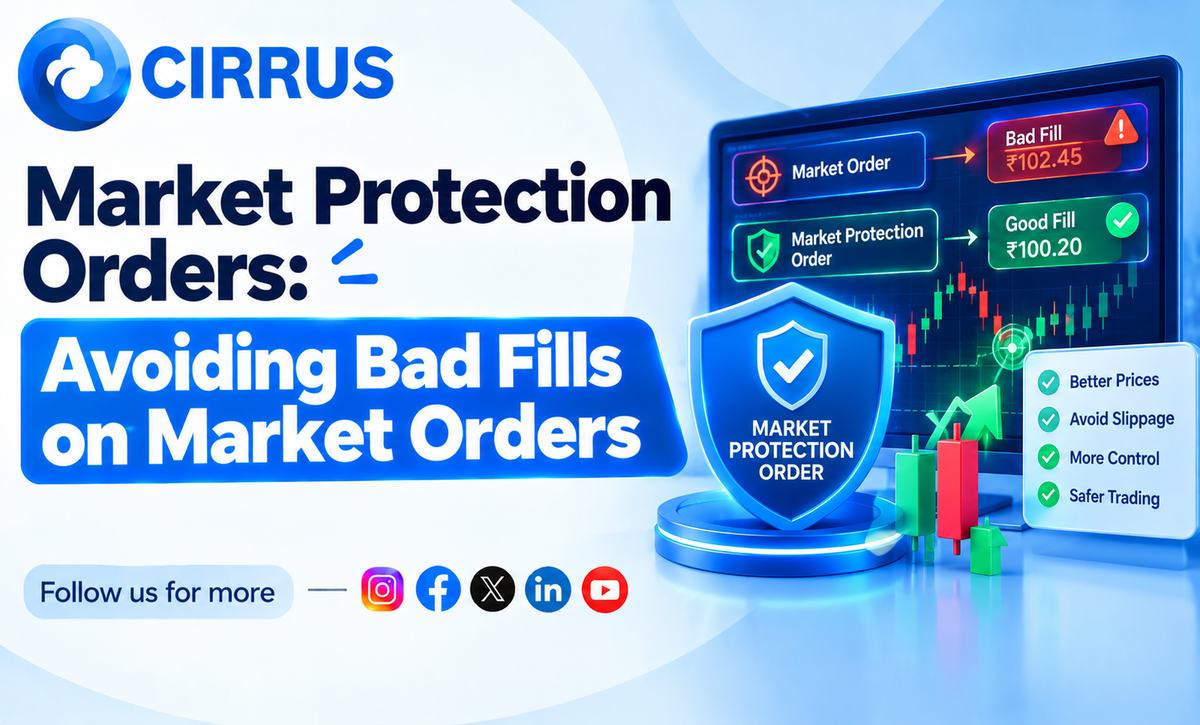
A market order says one thing: fill me now, at any price. In a thin strike, "any price" can be far from what you saw on the screen.
Market protection is a safety band around that price.
The Short Answer: What Is a Market Protection Order?
It is a market order with a limit built in. The order can fill only within a set percentage of the current price. If the price jumps beyond that band, the order does not fill at a bad price.
Why Market Orders Give Bad Fills
- Thin order book: There may be few sellers near the price.
- Wide spread: You pay the gap between buy and sell.
- Fast moves: The price shifts between your click and the fill.
- Big quantity: A large order eats through several price levels.
A Safer Way to Place Orders
- Check the spread. If bid and ask are far apart, be careful.
- Prefer limit orders. Set a price you accept, with a small buffer.
- Know your broker's protection setting. Many brokers now add protection to market orders. Check how yours works.
- Split large orders. Smaller pieces can fill closer to the price.
- Compare fill to expected price. Note the slippage on each trade.
- Avoid illiquid strikes. Fewer buyers means worse fills.
What Not to Do
- Do not send market orders in far strikes.
- Do not set a protection band so wide that it means nothing.
- Do not assume every order will fill.
How Cirrus Fits Into the Picture
Cirrus does not change how exchanges match orders. It helps you place planned orders the same way everywhere.
- Cloud Based Terminal: One web terminal for your linked brokers, with no server to manage.
- Native Static IP Binding: Orders go through whitelisted static IP architecture, so IP checks are handled in the background.
- Single Signal, Multi-Account Fills: Once connections are active, one trigger reaches all linked accounts together.
Frequently Asked Questions (FAQs)
1. Is a limit order always better? It controls price, but may not fill. Market protection fills more often but within a band.
2. Why did my protected order stay unfilled? The price may have moved outside the allowed band.
3. How wide should the band be? It depends on the strike and the day. Keep it tight in liquid contracts.
4. Can a tool remove slippage? No. Slippage is part of trading.
At a Glance: Key Takeaways
What It Means for Your Fills
A small price band costs you a few missed fills but saves you from the worst ones.
The Bottom Line: Check the spread, use limit or protected orders, and track your slippage.
Want all your broker connections in one place? Explore how Cirrus automates multi-broker execution across major Indian brokers with built-in static IP routing at cirrus.trade.
Key Facts at a Glance for Quick Reference
Disclaimer: Investments in securities markets are subject to market risks. Read all related documents carefully before investing. This article is for general information only and is not investment advice. Market protection rules differ by exchange and broker and may change, so please verify current details with your broker. Cirrus does not guarantee any outcome from automated execution.