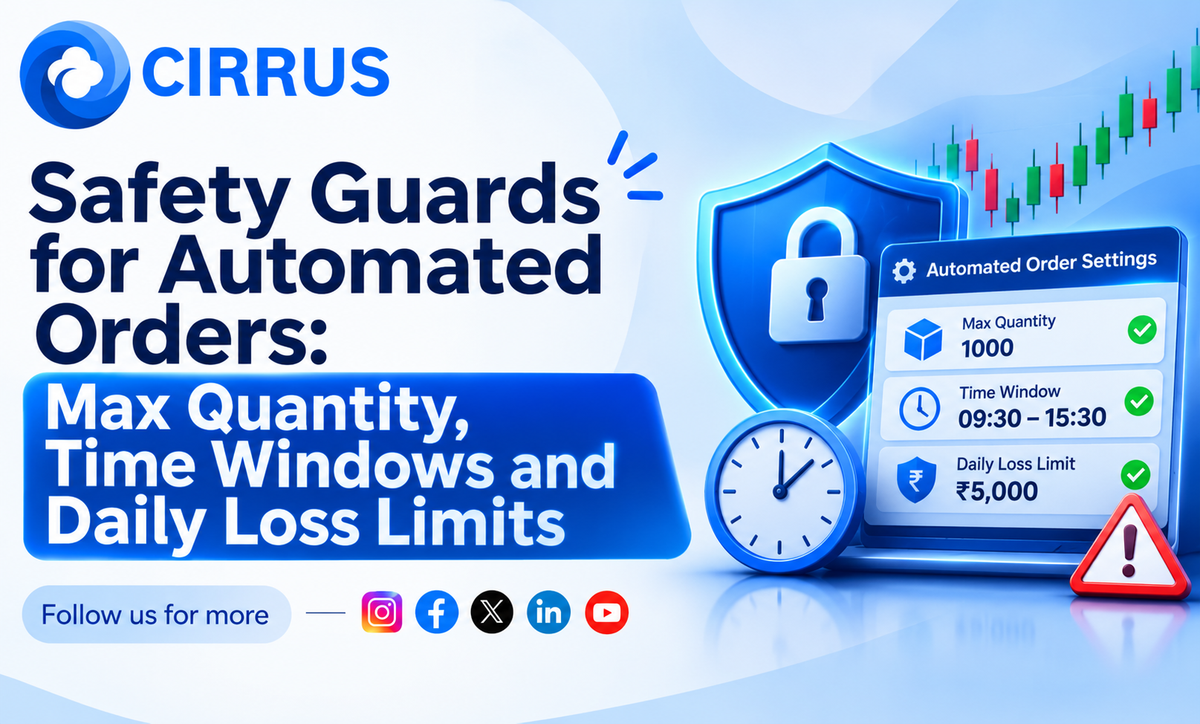
Safety Guards for Automated Orders: Max Quantity, Time Windows and Daily Loss Limits
Automation repeats mistakes quickly. Three simple guards, max quantity, time windows and a daily loss limit, keep small errors small.

Automation is fast. That is good when the plan is right, and costly when it is not. A wrong quantity or a late order can repeat across every account in seconds.
Safety guards are simple limits that stop a small mistake from becoming a big one.
The Short Answer: What Are Safety Guards?
They are rules set in advance: a maximum quantity per order, a time window when orders are allowed, and a daily loss limit after which trading stops for the day.
Why Guards Matter
- Fat finger errors: One extra zero can mean ten times the size.
- Wrong hours: An order sent outside your plan can fill at a poor price.
- Runaway losses: A bad day can turn worse when you keep trading.
- Many accounts: One mistake reaches every account.
The Three Guards
- Max quantity. Set a cap per order, below the exchange freeze limit and well within your plan.
- Time window. Allow orders only in set hours, such as after the first few minutes and before the closing rush.
- Daily loss limit. Choose an amount in rupees, such as ₹10,000 per account. When it is reached, stop for the day.
How to Set Them Well
- Start with small values and test.
- Keep limits tied to your risk per trade.
- Review them every week.
- Write them down so they are not changed in a heated moment.
What Not to Do
- Do not remove a guard after a loss.
- Do not set limits so wide that they never trigger.
- Do not assume guards remove all risk.
How Cirrus Fits Into the Picture
Guards work best when applied the same way across all your accounts, from one place.
- Cloud Based Terminal: One web terminal for your linked brokers, with no server to manage.
- Native Static IP Binding: Orders go through whitelisted static IP architecture, so IP checks are handled in the background.
- Single Signal, Multi-Account Fills: Once connections are active, one trigger reaches all linked accounts, which is why limits on size and timing matter.
Frequently Asked Questions (FAQs)
1. Do guards remove risk? No. They reduce the damage from errors and bad days.
2. How do I pick a daily loss limit? Link it to your risk per trade, such as three to five trades' worth of loss.
3. Should I change limits during the day? Avoid it. Change them after market hours.
4. Are guards needed if I trade by hand? They help there too, as written rules.
At a Glance: Key Takeaways
What It Means for Automated Trading
The faster your orders go out, the more important it is to set limits first.
The Bottom Line: Set a max quantity, a time window and a daily loss limit before you automate, and do not remove them in a hurry.
Want all your broker connections in one place? Explore how Cirrus automates multi-broker execution across major Indian brokers with built-in static IP routing at cirrus.trade.
Key Facts at a Glance for Quick Reference
Disclaimer: Investments in securities markets are subject to market risks. Read all related documents carefully before investing. This article is for general information only and is not investment advice. The limits above are examples only. Cirrus do not guarantee any outcome from automated execution.