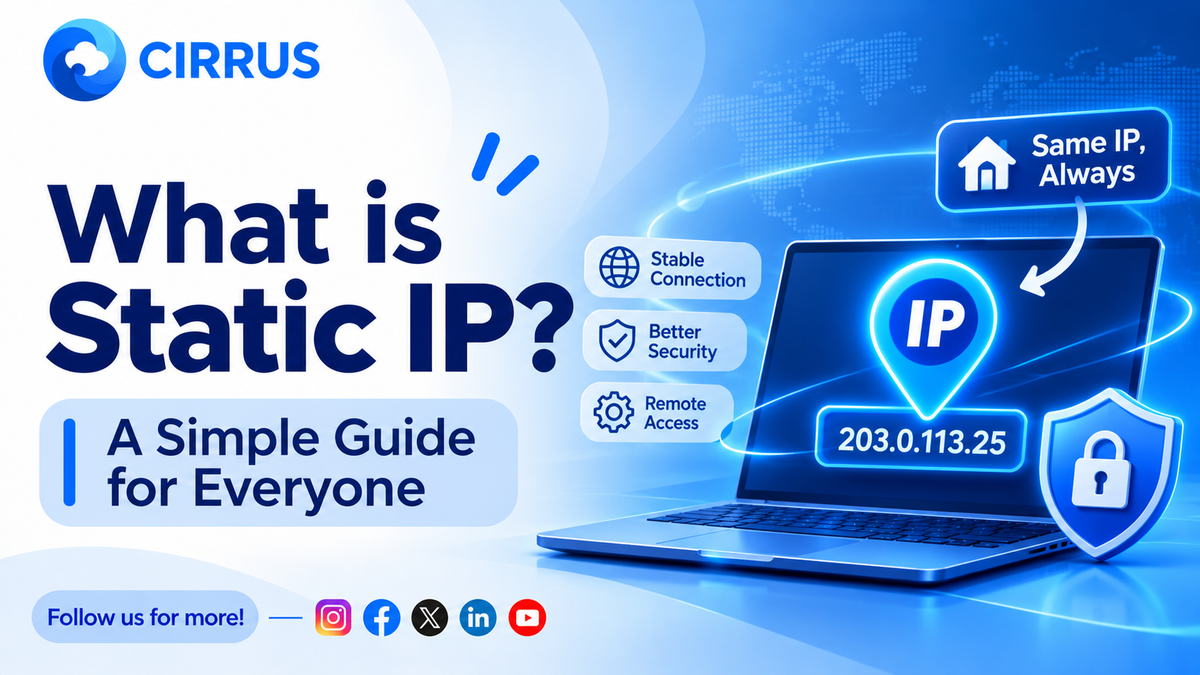
What Is a Static IP? A Simple Guide for Everyone
Your broker may reject API orders from an unknown IP. Here is what a static IP is, why it matters, and how to set it up the simple way.

You place an order through an API. The login is fine. The key is right. And the order is still rejected.
Often the reason is one small thing: the IP address your order came from.
The Short Answer: What Is a Static IP?
An IP address is the address of your internet connection. A static IP is one that does not change. Under SEBI's retail algo framework, API orders must come from a static IP that your broker has whitelisted. Orders from any other IP can be rejected.
Static IP vs Normal (Dynamic) IP
- Dynamic IP: Your internet provider can change it any time, such as after a router restart. Most home connections work this way.
- Static IP: It stays fixed, so your broker can recognise it every day.
Why Brokers Ask for It
- Identity: The broker can tell who is sending the orders.
- Traceability: Every order can be traced back to a known source.
- Safety: Orders from an unknown IP can be blocked, even if someone has your API key.
How It Works in Simple Steps
- Get a static IP. This can come from your internet provider, a cloud server, or a service that gives you one.
- Register it with your broker. You add the IP in your broker's API settings.
- Send orders from that IP. The broker accepts only calls that come from it.
- Update it if it changes. Brokers may limit how often you can change it, so get it right the first time.
Common Mistakes
- Wrong IP typed in: One wrong digit and every order fails.
- IP changed without telling the broker: A home IP that changes will break your setup.
- Assuming one IP fits every case: Rules can differ by broker. Many accounts at the same broker may need their own IP.
- Finding out late: A rejection at the market open costs you the first minutes.
Do You Always Need One?
If an app only reads data and does not place or change orders, a static IP is usually not needed. If your setup sends orders through an API, check your broker's rules.
What Not to Do
- Do not share your API keys or tokens with anyone you do not trust.
- Do not use an IP that you do not control.
- Do not wait until market day to test your IP.
How Cirrus Fits Into the Picture
Cirrus does not remove the static IP rule, because that is a regulatory requirement. It helps by handling the routing for you.
- Cloud Based Terminal: One web terminal for your linked brokers, with no server to manage.
- Native Static IP Binding: Orders go through whitelisted static IP architecture, so IP checks are handled in the background.
- Single Signal, Multi-Account Fills: Once connections are active, one trigger reaches all linked accounts.
Frequently Asked Questions (FAQs)
1. Is a static IP the same as a VPN? No. A VPN hides or changes your IP. A static IP is a fixed address that your broker has on record.
2. Can I use my home internet? Only if your provider gives you a static IP. Many home connections change their IP.
3. Does a static IP make orders faster? No. It is for identification, not speed.
4. What if my IP changes? Update it with your broker. Some brokers limit how often you can change it, so check their rules.
At a Glance: Key Takeaways
What It Means for Your Trading
A static IP is a small setup step, but a missed step can stop every order. Set it up early and test it before the market opens.
The Bottom Line: Get a static IP, register it with your broker, double-check it, and test before the open.
Want all your broker connections in one place? Explore how Cirrus automates multi-broker execution across major Indian brokers with built-in static IP routing at cirrus.trade.
Key Facts at a Glance for Quick Reference
Disclaimer: Investments in securities markets are subject to market risks. Read all related documents carefully before investing. This article is for general information only and is not investment advice. Static IP rules and limits differ by broker and may change, so please verify current requirements with your broker. KuberHunt and Cirrus do not guarantee any outcome from automated execution.